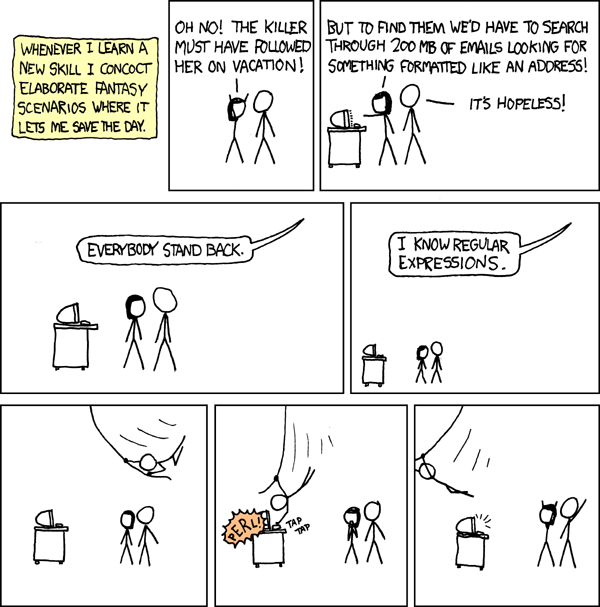
It turns out that there is a VBA extension for Regular Expressions and a installable set of custom functions for Excel that includes regular expressions. To make it work, here is what I did:
- In Excel, hit alt-F11 to bring up the code screen.
- Choose Tools | References and check Microsoft VBScript Regular Expressions 5.5
- Close Excel.
- Download and install Morefunc 5 from download.cnet.com.
- Open Excel and start writing functions like "=REGEX.SUBSTITUTE(V2, " .......$| ....... |^....... |^......$|^.......$"," ???????? ")"
To learn more, check out the Morefunc documentation, sites like this, or sites that I referred to in my previous post. You can also write your own functions like lispy does.
Open Question: What do Excel for Mac users do?
Pretty soon you will be ordering this cup: